Query tab
The Query tab lets you ask a question in plain language and see which memories match, how they rank, and what evidence backs each result.
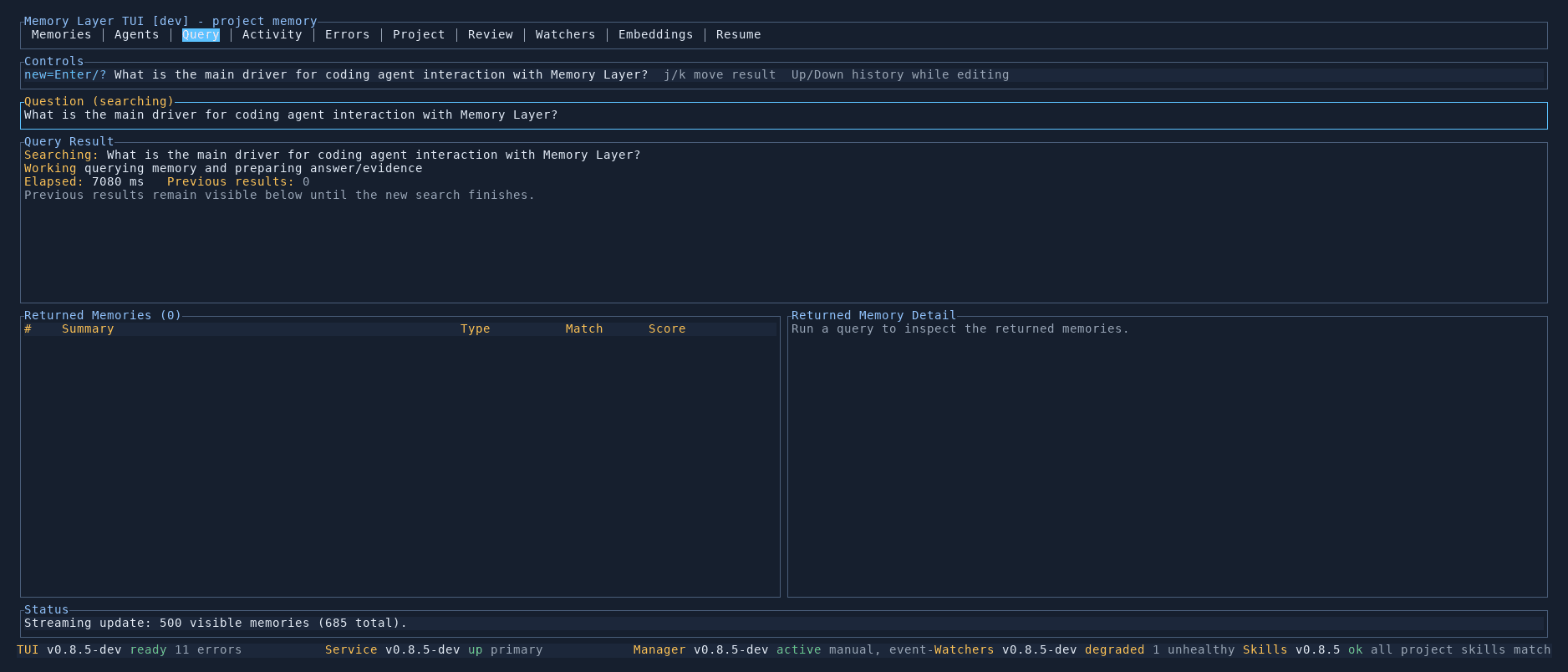
Asking a question
Press Enter or / to start a new query. Type your question — for example, "What is the main driver for coding agent interaction with Memory Layer?" — and press Enter to search.
The search runs against all active memories using keyword, vector similarity, and graph-aware retrieval in parallel. A progress indicator shows elapsed time while results stream in.
Returned memories
The bottom-left panel lists all matching memories, ranked by relevance. Each row shows:
- Rank — position in the result set
- Summary — the memory title
- Type — memory classification
- Match — which retrieval strategy found it (keyword, vector, graph, hybrid)
- Score — the combined relevance score
Use j/k to move between results.
Result detail
Selecting a returned memory shows its full content in the bottom-right panel, including the canonical text, evidence citations, and the retrieval diagnostics that explain why this memory was selected and how it scored.
Controls
| Key | Action |
|---|---|
Enter / / | Start a new query |
j / k | Move between returned memories |
Up / Down | Scroll through query history while editing |